AWS-Logo_White-Color
1
Introduction
2
Preparation
3.
Preparation
3.1
Prepare To Deploy Amazon WorkSpaces
3.2
Deploy Amazon WorkSpaces
4.
Prepare To Deploy Amazon WorkSpaces
4.1
Access WorkSpaces - Browser
4.2
Access WorkSpaces - WorkSpaces Client
5
Clean Up Services
More
AWS Study Group
English
Clear History
Workshop
Cloud Journey
Last Updated
10-12-2024
Team
Sử Trịnh
Gia Hưng
Thanh Hiệp
Windows On AWS - Amazon WorkSpaces
>
Prepare To Deploy Amazon WorkSpaces
> Access WorkSpaces - WorkSpaces Client
Access To Amazon WorkSpaces Via Amazon WorkSpaces Client
Access WorkSpaces - WorkSpaces Client
Access To Amazon WorkSpaces Via Amazon WorkSpaces Client
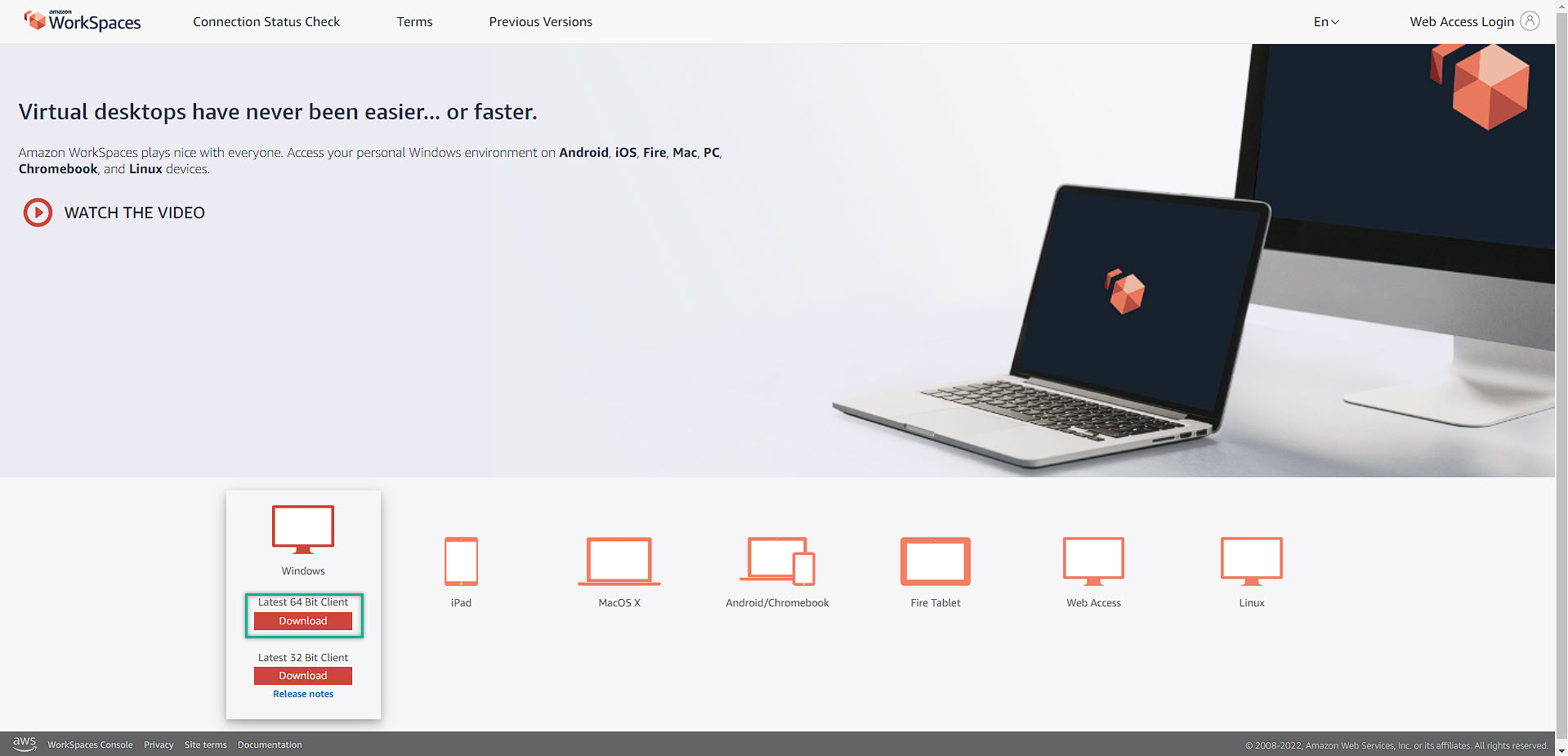
Download the client to the local computer and then install it
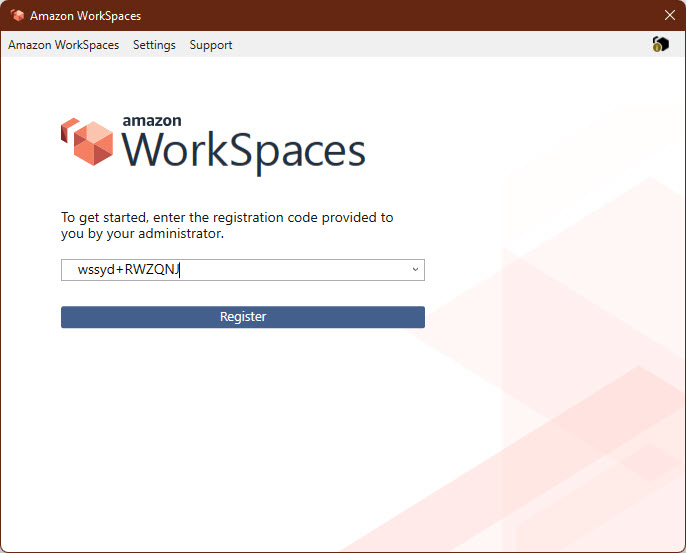
This is the Amazon WorkSpaces Client UI (User Interface)
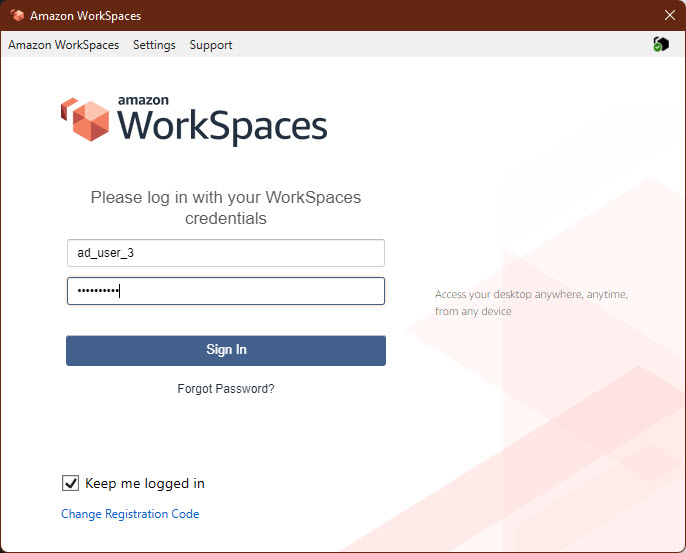
We will try to log-on with the user that created directly from Active Directory Users and Computers
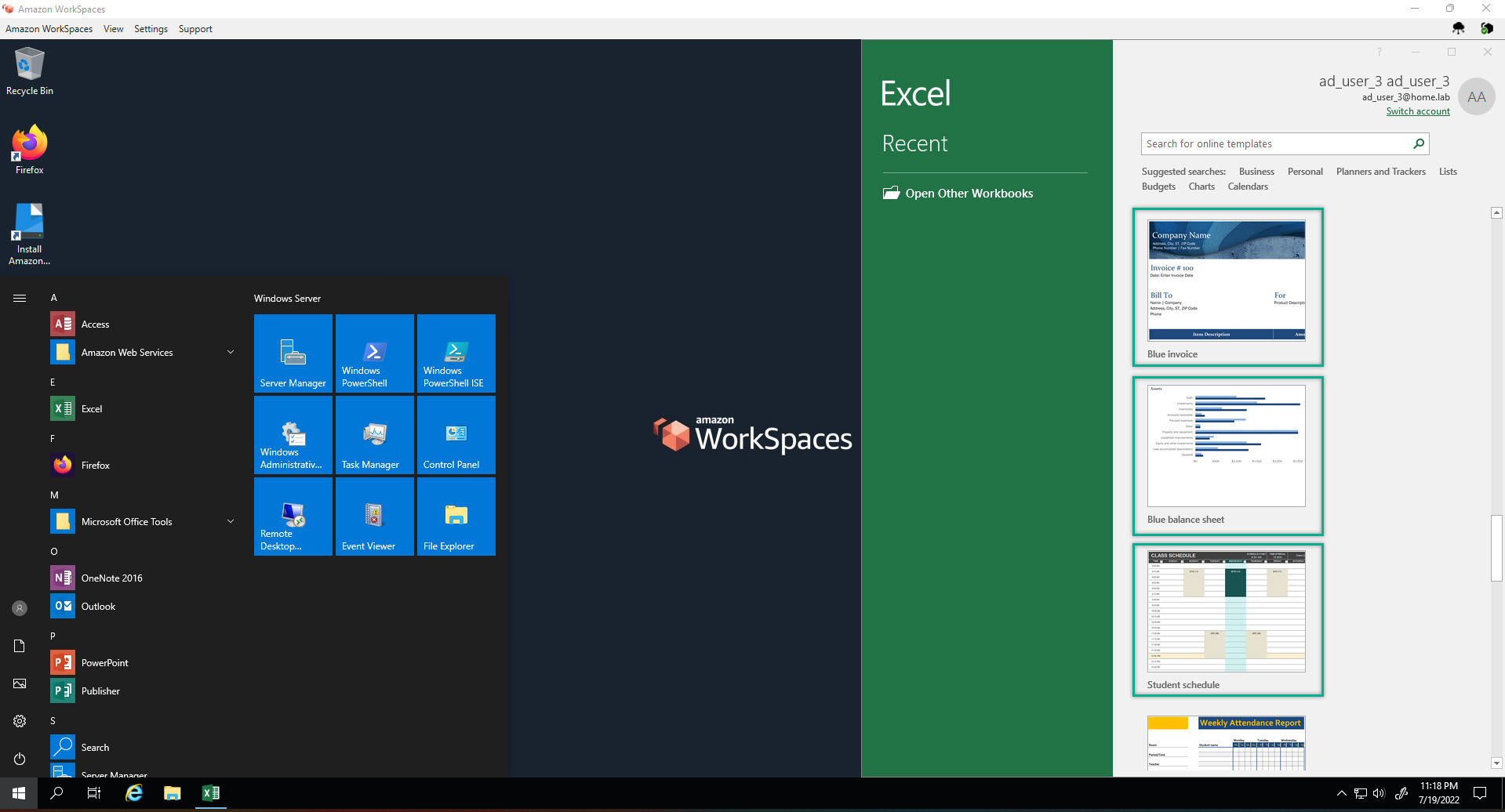
As can be seen, Licenced Microsoft Excel with full of function and templates such as: invoice, charts, schedule and more than enough to use.